
Git status
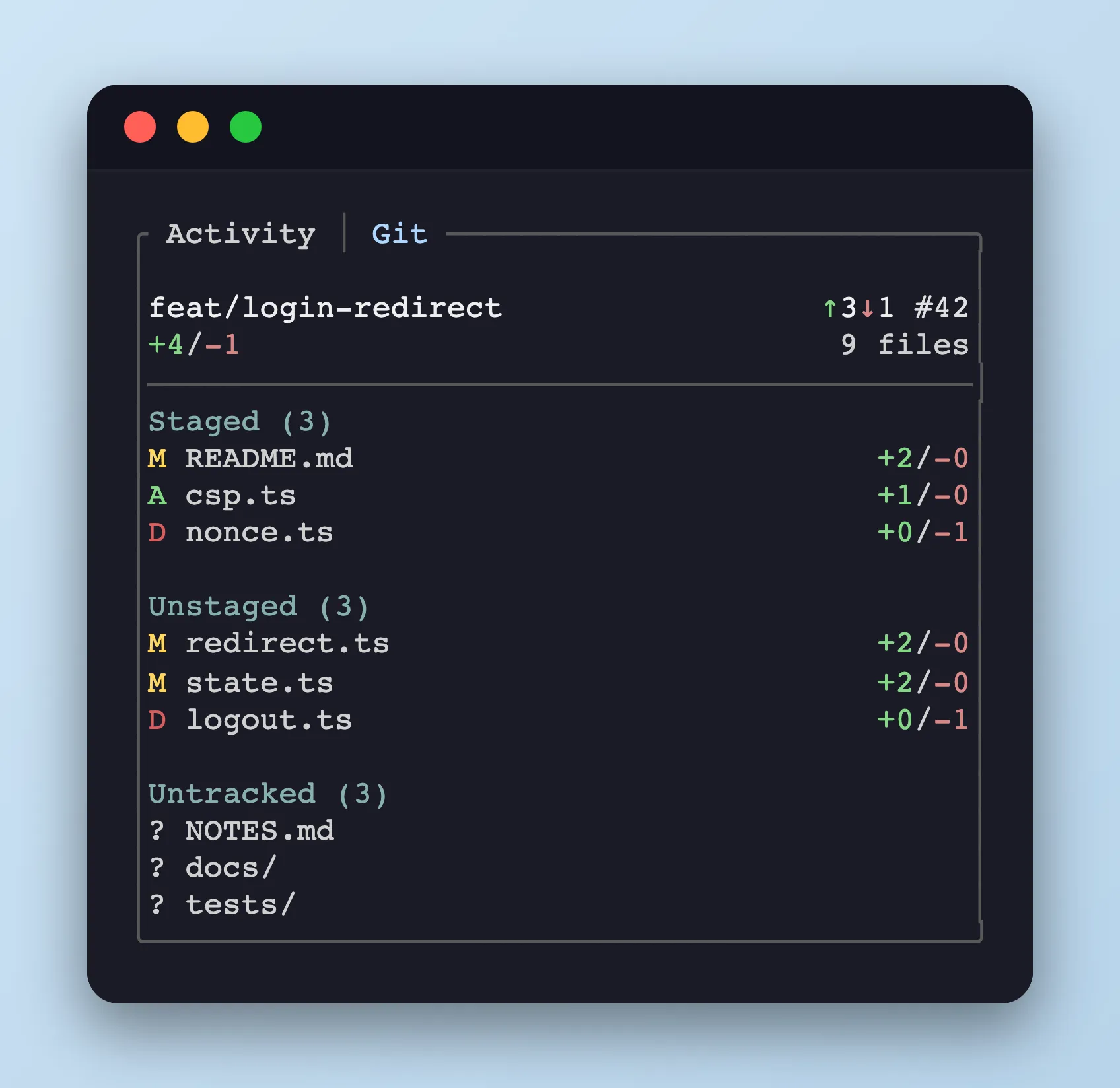
The bottom panel’s Git tab surfaces the git state of the pane’s cwd.
Header
Section titled “Header”The top rows summarise the pane’s branch state.
- Branch — current branch name
- Ahead / behind —
↑N/↓Ncounts vs. the configured upstream - PR number —
#123when GitHub CLI (gh) resolves a pull request for the branch; the overlay is a clickable hyperlink in terminals that support OSC 8 - Diff shortstat — combined added / deleted line counts and changed file total
File sections
Section titled “File sections”Changed paths are grouped into three sections, each prefixed with a single-character status and followed by a right-aligned +added/-deleted numstat (omitted for untracked entries).
- Staged — content already added to the index
- Unstaged — tracked files with working-tree changes
- Untracked — files the index has never seen
Status letters:
A— addedM— modifiedD— deleted?— untracked
Each section lists up to 10 entries and collapses the rest into a +N more row.
Git data is refreshed from a background polling thread, so interaction with the sidebar stays snappy even in repositories with slow git operations.